How to collaborate on videos & panoramas in Lumion Cloud
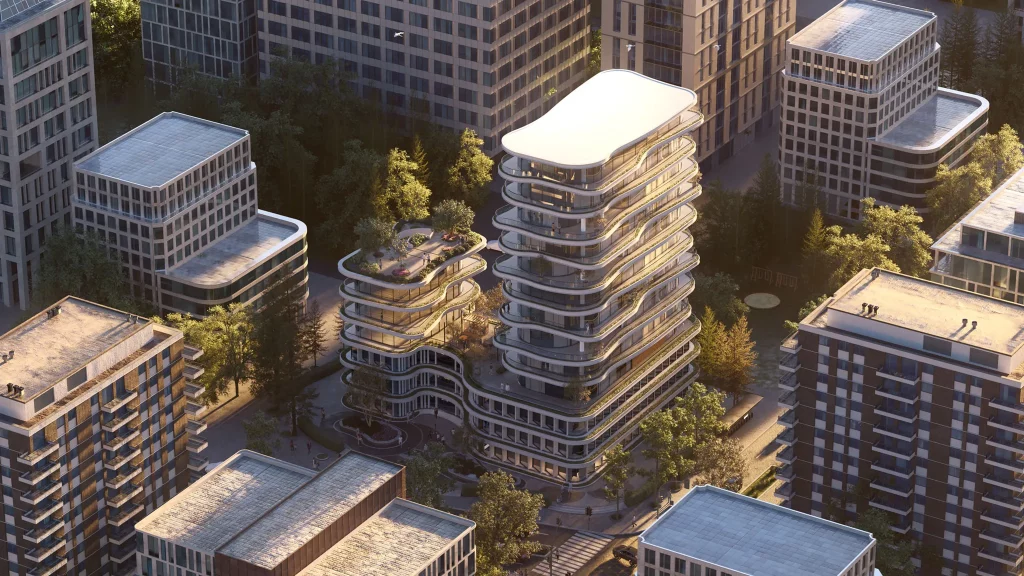
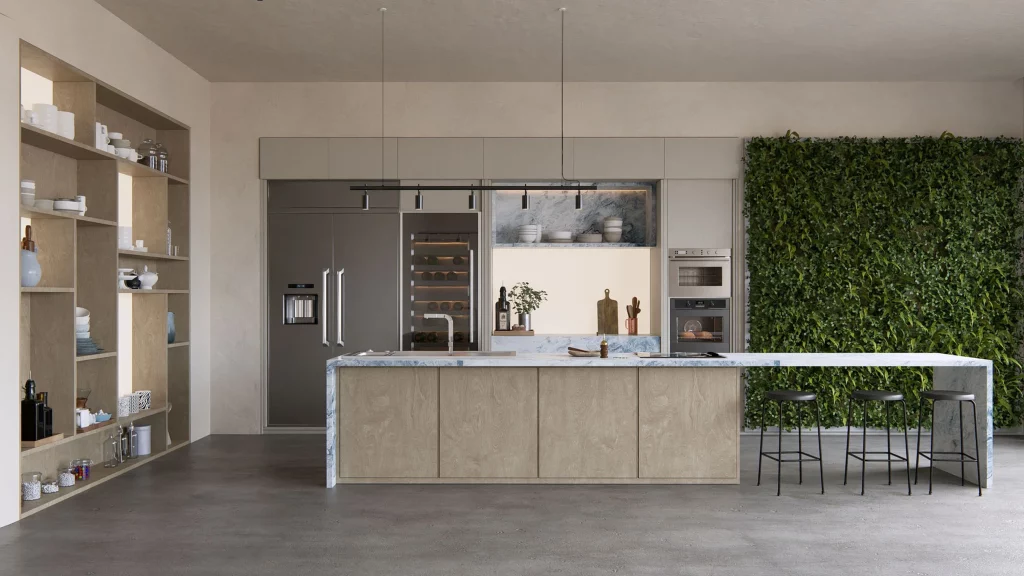
Turn every frame and angle into ashared conversation Keep collaboration flowing Your visuals don’t stop at stills—and neither should your feedback. In Lumion Cloud, videos and panoramas work just like image renders. You can comment on every moment and angle, ensuring no idea gets lost and everyone stays firmly on the same page. Upload and share […]
Lumion for Interiors: Professional Tips to Render Small Spaces
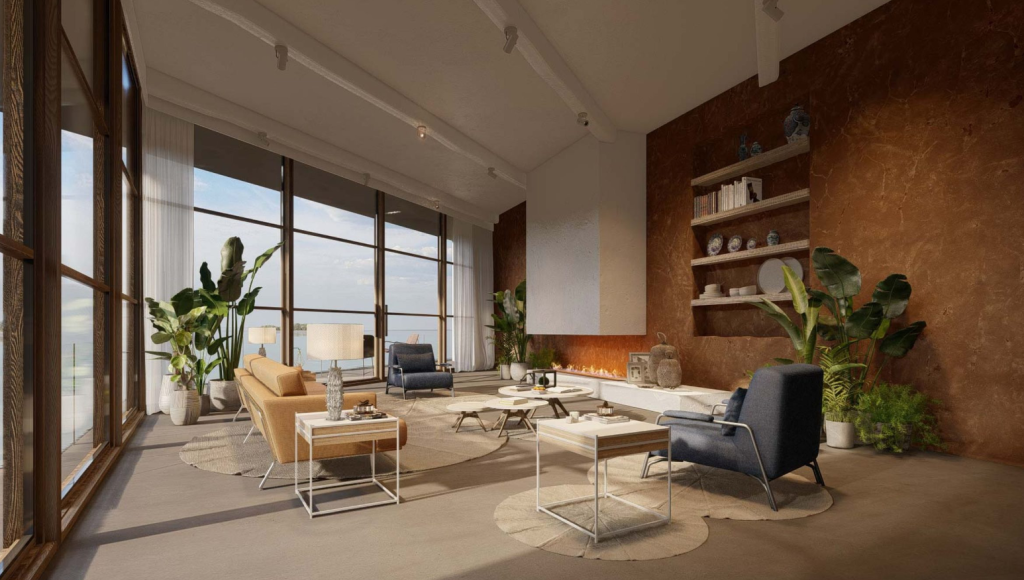
Rendering interiors in Lumion can be challenging, especially when working in small spaces, where every angle and light source has a major impact on the final result. However, Lumion’s latest versions make it possible to achieve warm, realistic, and well-lit images even in compact environments. In this guide, you’ll find professional techniques for interior rendering […]
8 keyboard shortcuts for fast asset control
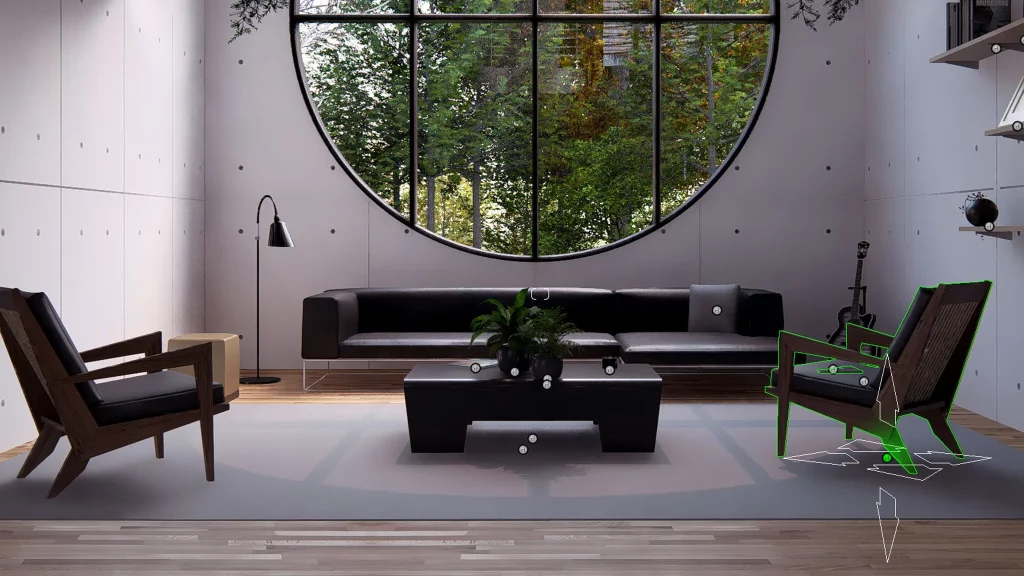
Speed up your workflow with these essential Lumion Pro shortcuts Stay in the zone Keyboard shortcuts help you work faster and smarter, enabling quick iterations and precise asset manipulation—all while keeping you in your creative flow. Once they become second nature, they ensure an uninterrupted, distraction-free workflow, letting you focus on your design without wasting […]
How to improve lighting in your renders with Lumion: a practical guide

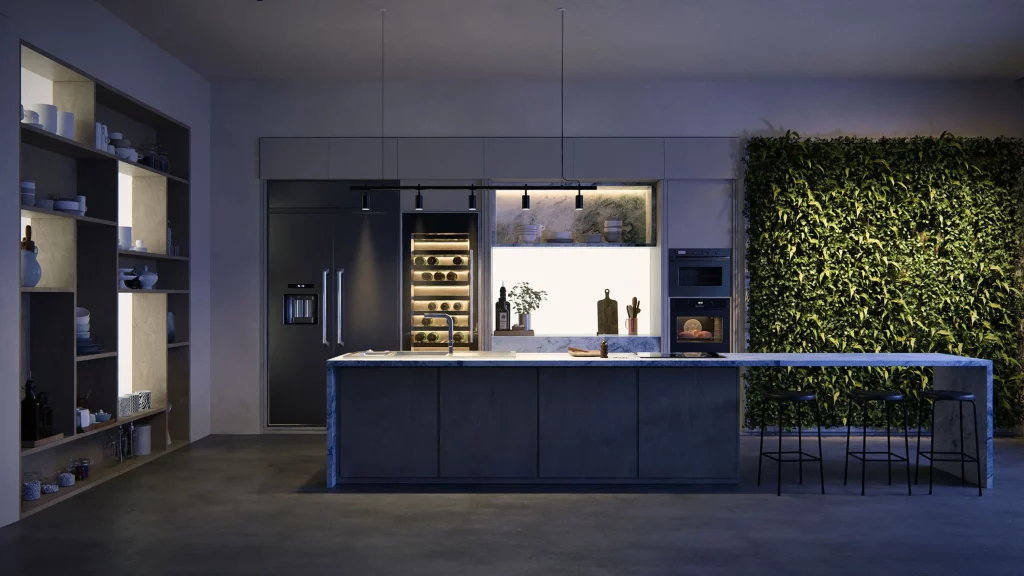
Lighting is one of the most important elements for achieving realistic and professional renders. A 3D model can be perfectly detailed, but without proper lighting, it will lose visual impact and fail to convey the desired atmosphere. This is where Lumion becomes an indispensable tool for architects and designers. With its intuitive tools and real-time […]