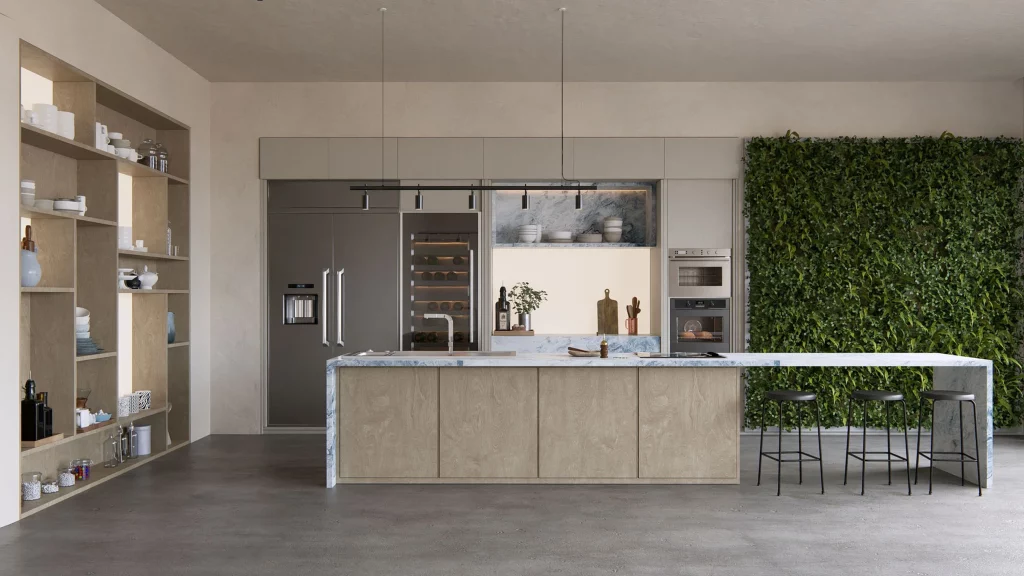
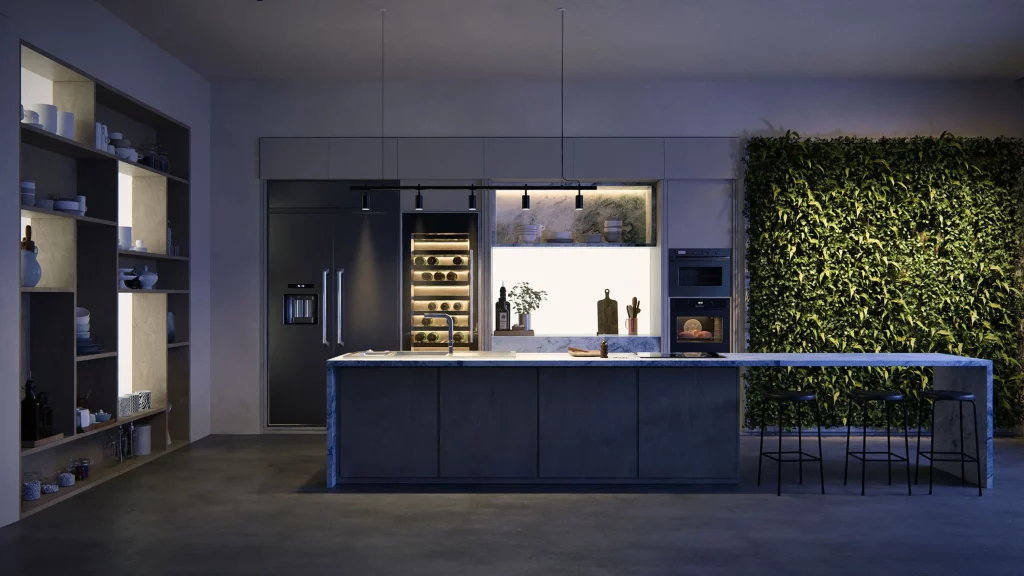
In architecture and interior design, the visuals don’t just accompany the project; they often sell it. When faced with a client, a cold, flat rendering conveys the same message as a technical drawing. One with atmosphere, light, and context is what truly convinces. That’s why the choice of real-time rendering engine matters, and not just as a technical decision.
Twinmotion is adequate and a valid option. But when the goal is to impress and deliver quickly, Lumion offers a level of realism and a library that makes all the difference in the presentation. This isn’t a debate about which engine does more; it’s a debate about which engine closes projects.
A render that doesn’t excite doesn’t sell.
A project can be excellent and still fail to stand out if its visual representation doesn’t convey the experience of the space. Clients don’t read blueprints. They don’t interpret floor plans and sections to imagine how the light will look at five in the afternoon in the living room you’re proposing. Clients feel the space when they see it represented faithfully enough to allow them to imagine themselves within it.
Without believable atmosphere, vegetation, and lighting, the client sees geometry, not a place they want to be. That’s where the impact is lost. That’s where the project that should have won is postponed, generates doubts, or is chosen in favor of another studio whose visual presentation was more convincing.
The question isn’t whether a good rendering is necessary. The question is how much time the team has to produce it and what level of quality they need for Thursday’s meeting. And that’s where Lumion and Twinmotion truly differentiate themselves.
Huge library and realistic effects: the difference you’ll notice on screen
Lumion includes a library of over 6,500 ready-to-use objects, materials, plant species, people, vehicles, and street furniture. For an architect or interior designer who needs to populate and set the scene in an afternoon, this vast selection has a direct impact on production time.
Twinmotion has a robust but more limited library. And the difference isn’t just the number of objects available: it’s how long it takes to find the right element, at the right scale, in the right style for the specific project being presented. In Lumion, that time is shorter because the library was built with the architect’s workflow in mind.
Lumion’s weather and lighting effects produce photographic-like results without requiring extensive technical setup. Afternoon light, rain, snow, overcast skies, or direct sunlight can be applied in seconds and transform the perception of space. For a presentation where the goal is for the client to experience the project, these effects aren’t just decoration: they’re the core message.
Direct workflow from your BIM: changes without redoing the scene
One of the biggest points of friction in the architectural visualization workflow is synchronizing the model with the render scene. Every time there’s a design change, the render becomes outdated. And if recreating the scene takes hours, the team ends up having to choose between showing an image that no longer reflects the project’s current state or investing time they don’t have in updating it.
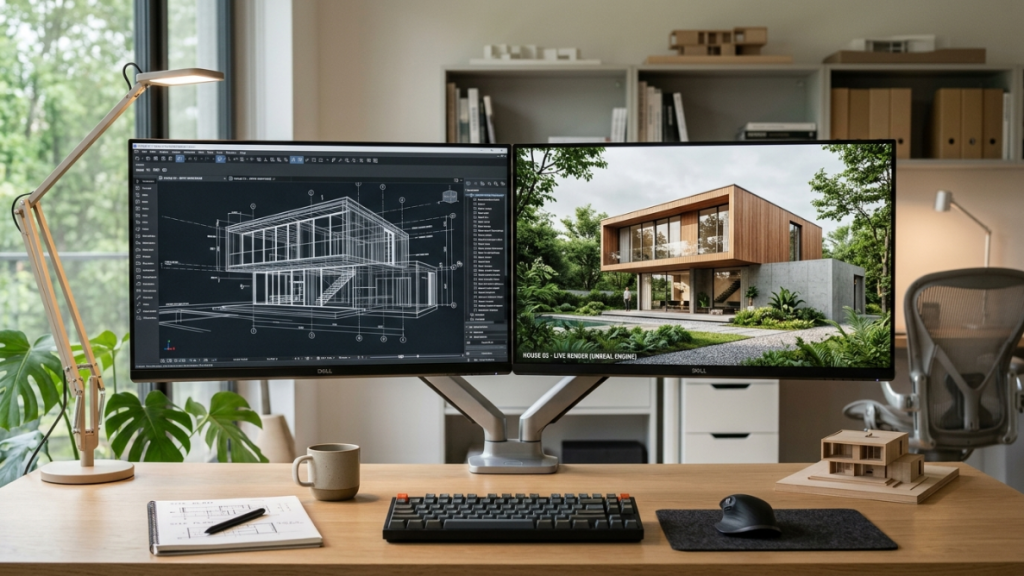
Lumion solves this problem with direct native integration with leading modeling software: Revit, ArchiCAD, SketchUp, Rhino, Vectorworks, and more. Lumion’s LiveSync plugin allows changes to the model to be reflected in the Lumion scene in real time, without the need to export and import each time. When the architect modifies a facade in Revit, Lumion automatically updates the scene.
This fundamentally changes the dynamics of revisions. Instead of arriving at the meeting with the image from the last stabilized revision, the team can iterate until the very last minute and show live variations during the meeting itself. Real-time rendering is not just a speed advantage: it’s a conversational advantage with the client.
Videos and tours that tell the story of the project in motion
A still image convinces. A walkthrough captivates. Lumion produces videos and animations that allow clients to virtually walk through a project before it even physically exists, with the same visual quality as static images and within the same workflow.
For residential, commercial, or interior design projects, this ability to showcase the spatial sequence in motion is a presentation advantage that floor plans and still images simply can’t match. Clients understand the flow, perceive the proportions, and experience the natural light in each space throughout the walkthrough.
Lumion videos are produced directly on the platform, eliminating the need for post-production in external software. The walkthrough the studio needs for Thursday’s presentation can be ready by Wednesday afternoon, with sufficient quality to serve as the visual argument that seals the client’s decision.
Lumion vs Twinmotion: how do they differ in practice
The comparison between Lumion and Twinmotion doesn’t have a single answer that applies to all situations. Twinmotion has advantages in its integration with the Unreal Engine ecosystem and in certain immersive visualization workflows. For studios working in virtual reality or producing content for interactive platforms, these advantages are relevant.
But for the most common workflow in architecture and interior design studios—producing high-quality images and videos for client presentations in the shortest possible time—Lumion has concrete advantages: a larger library, a more mature BIM synchronization workflow, richer weather effects, and a learning curve that allows an architect with no rendering experience to produce professional results quickly.
The right question isn’t which is better in absolute terms. It’s which one generates better results for the studio’s specific workflow, within the team’s available time, and with the level of quality the presentations require.
Where Aufiero Informática comes in
Lumion is distributed by Aufiero Informática, an official distributor with extensive experience in visualization and design software for architecture and interior design studios of all sizes.
If your studio is still producing renders with workflows that don’t scale or generate the visual impact your presentations require, Aufiero can advise you on adopting Lumion and configuring your workflow with your existing modeling software. Schedule a free demo with Aufiero.
Frequently asked questions about Lumion for architects and interior designers
Does Lumion render in real time?
Sí. Lumion permite ver y ajustar la escena en tiempo real, con actualización instantánea de iluminación, materiales y efectos climáticos. El render final de alta calidad se genera en minutos.
Does it integrate with BIM and modeling software?
Yes. Lumion has native integration with Revit, ArchiCAD, SketchUp, Rhino, Vectorworks, and more. The LiveSync plugin allows changes to the model to be reflected in the Lumion scene in real time, without the need for exporting and importing.
Can I create videos and tours in addition to images?
Yes. Lumion produces animations and walkthroughs directly from the platform, without the need for post-production in external software, with the same visual quality as static images.
How is it different from Twinmotion?
Lumion stands out for its extensive library of over 6,500 objects, realistic weather and lighting effects, mature BIM synchronization workflow, and accessible learning curve for architects with no rendering experience. Twinmotion has advantages in Unreal Engine integration and immersive visualization workflows.
Where can I buy Lumion?
Through Aufiero Informática, official distributor of Lumion in LATAM.