Lumion

Axogram: diagram as you design

The architectural diagramming plugin for SketchUp, Revit and Archicad. Show how and why your architecture works with diagrams and axonometric views that stay connected to your CAD or BIM model.
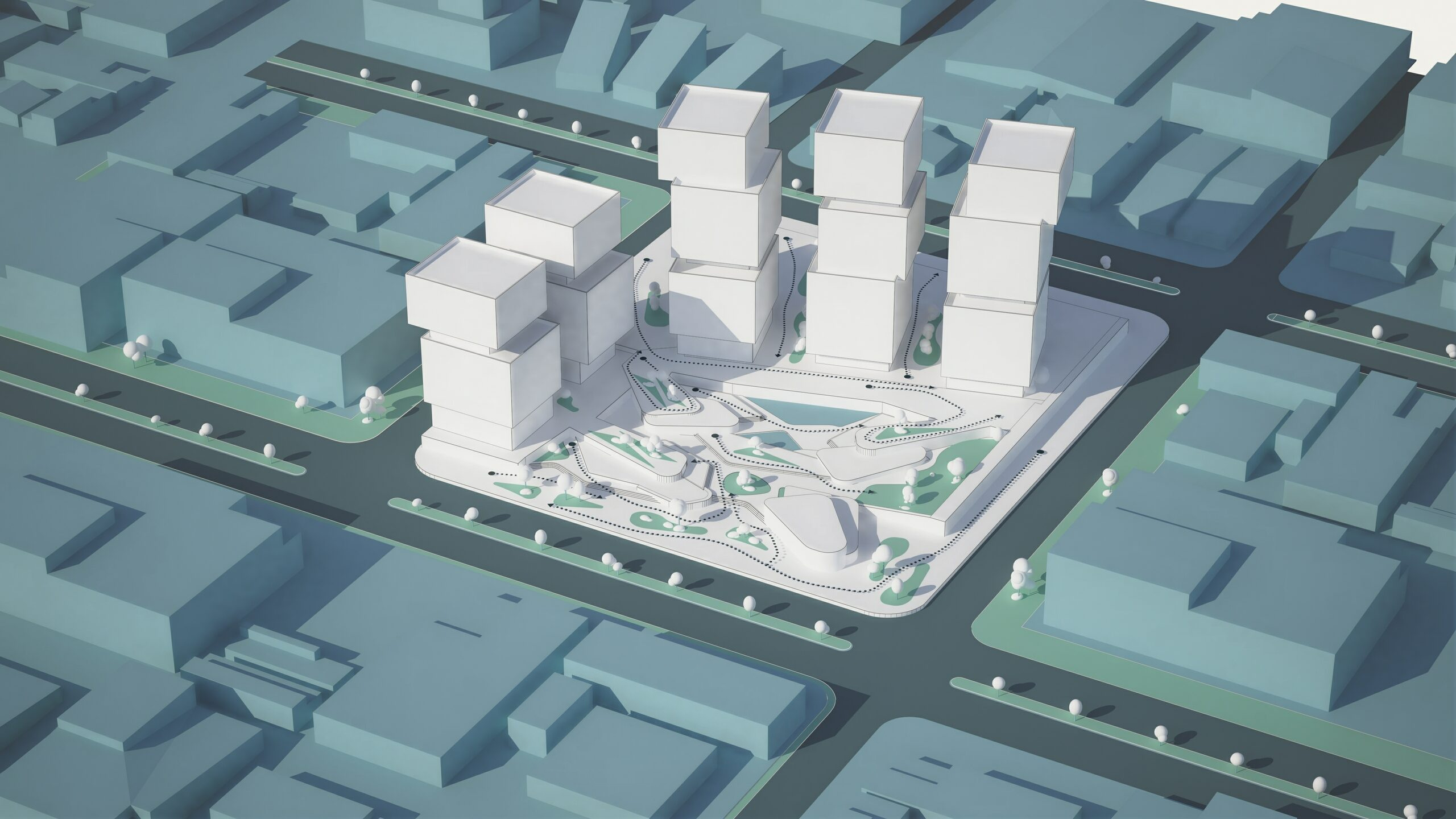
Axogram diagram created inside the model, in teal tones
Overview of architectural diagramming with Axogram on the 3D model

Keep your ideas moving

Traditional diagramming means exporting a view, taking it to another program and redrawing every arrow, zone and label. When the project changes, you start over.

Axogram brings diagramming into your live CAD or BIM workflow: you build the diagram on the open model, without re-exporting every time something changes.

See how it works in our guide to axonometric views and diagrams inside the model or check the official Axogram page on lumion.com.

What do you need to explain?

A diagram type for every question about your project, all inside the same model.

Sequence diagrams

Show the order in which the project is built, walked through or occupied.

Context diagrams

Place the project in its surroundings and explain how it relates to them.

Section diagrams

Open up the section to explain levels, program and spatial relationships.

Circulation diagrams

Trace access and routes with arrows that follow the geometry.
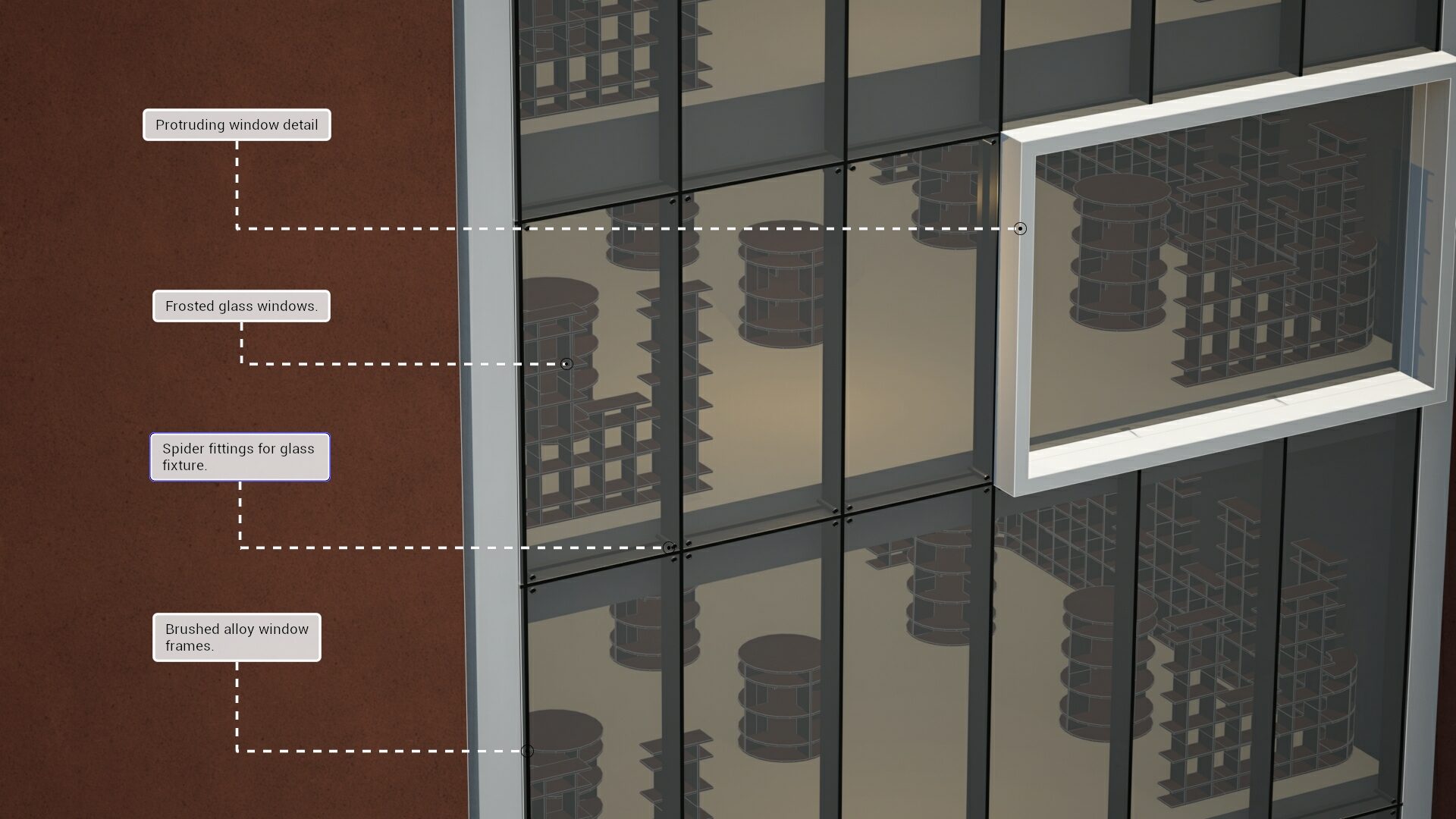
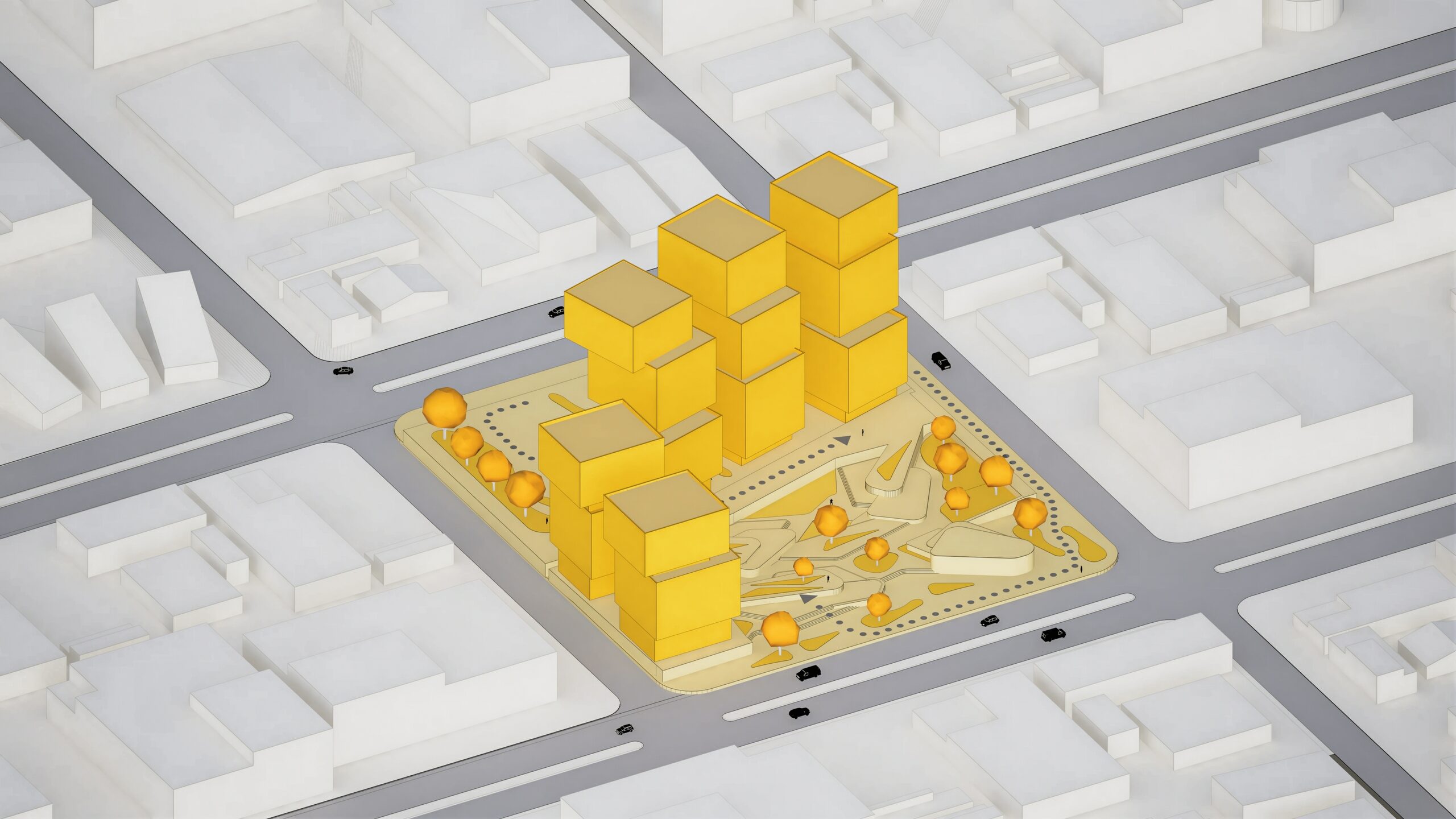
Office section diagram with terracotta-style annotations created with Axogram

Get Axogram

Axogram is free up to 5 saved views. Choose the plan that fits your team.

Named-user license Plugin

Axogram Free

For occasional individual use

Free
Forever. No credit card required.
Get Axogram Free

Explore live diagramming from your CAD or BIM model with up to five saved views.


  • Styles & style mixer
  • Action shapes and annotations
  • Lights
  • Environment controls
  • Up to 5 saved diagram views
  • Render images up to Full HD
  • Renders contain watermark

AI Tools

  • AI image enhancer
  • AI image upscaler
  • AI material generator

Cloud Collaboration

  • Upload, organize & share renders
  • Manage design feedback
  • Track versions and approvals
  • Compare versions
  • Post-processing tools
Works with
SketchUp · Revit · Archicad · Windows
How licensing works
RECOMMENDED
Named-user license Plugin

Axogram

For architectural design teams

$22 named user / month
Billed upfront: $259 for 1 year
Add to cart

This product isn't available for online purchase in your country. Contact us for more information.

Create unlimited diagrams in up to 4K that stay connected to your 3D model.


All Axogram Free features, plus:

  • Unlimited saved diagram views
  • Render images up to 4K
  • No watermark

AI Tools

  • AI image enhancer
  • AI image upscaler
  • AI material generator

Cloud Collaboration

  • Upload, organize & share renders
  • Manage design feedback
  • Track versions and approvals
  • Compare versions
  • Post-processing tools
Works with
SketchUp · Revit · Archicad · Windows
How licensing works

See what you can create

Explain every facet of your design.

  • Style your diagrams: Blueprint, Clay, Dual Tone, Ink, Polar, Realistic, Soft Vibe and Wood.
  • Play with emphasis: the Style Mixer combines styles by material group on the same sheet.
  • Add clear context: Action Shapes, labels and markers, zones and lighting.
  • Give the conversation a clear starting point: export with a transparent background and share the set from Lumion Cloud.
Axogram diagrams published and shared from Lumion Cloud

What Axogram changes for you

Explain more than appearance

The diagram answers why the project works, not just how it will look.

Diagram while you design

Elements are added on top of the existing geometry, in the same model.

Change the view without losing work

Every view is saved in your Diagram Deck and stays linked to the model.

Spend less time rebuilding

When the project changes, the diagram follows instead of starting from scratch.

Your next diagram starts here

Start with the model you are already working on and create with Axogram for free.

Common questions

What is Lumion Axogram?

It is a real-time architectural diagramming plugin that runs inside SketchUp, Revit and Archicad. It creates diagrams linked to your model. It includes Lumion Cloud and has a free version.

What can I create with Axogram?

Basic, sequence, context, section, circulation and presentation diagrams, with arrows, zones, labels and markers on the model geometry.

How does Axogram change the traditional workflow?

It removes the cycle of exporting, redrawing in a graphic program and exporting again. The diagram is built on the open model and stays linked to it.

Does Axogram change my original model?

No. Diagram elements are added on top of the existing geometry without altering the original model.

What happens when the camera view changes?

Each view is saved in the Diagram Deck, so you can change views without losing the work done in the others.

Can I create multiple diagrams?

Yes. The free version allows up to 5 saved views; the paid plan has no limit on views.

What is the difference between Axogram and Lumion Pro?

Lumion Pro answers how the project will look, with photorealistic renders and animation. Axogram answers how it works and why, with diagrams built inside the model. They are distinct, complementary products.

Is Aufiero Informática the official Lumion distributor in Latin America?

Yes. Aufiero Informática is the official Lumion distributor in Latin America. You can get Axogram and Lumion Pro through Aufiero, which also advises you on evaluation and implementation and supports the migration of those who had Lumion View.

An extension of your imagination

Bring Axogram into your CAD or BIM workflow.

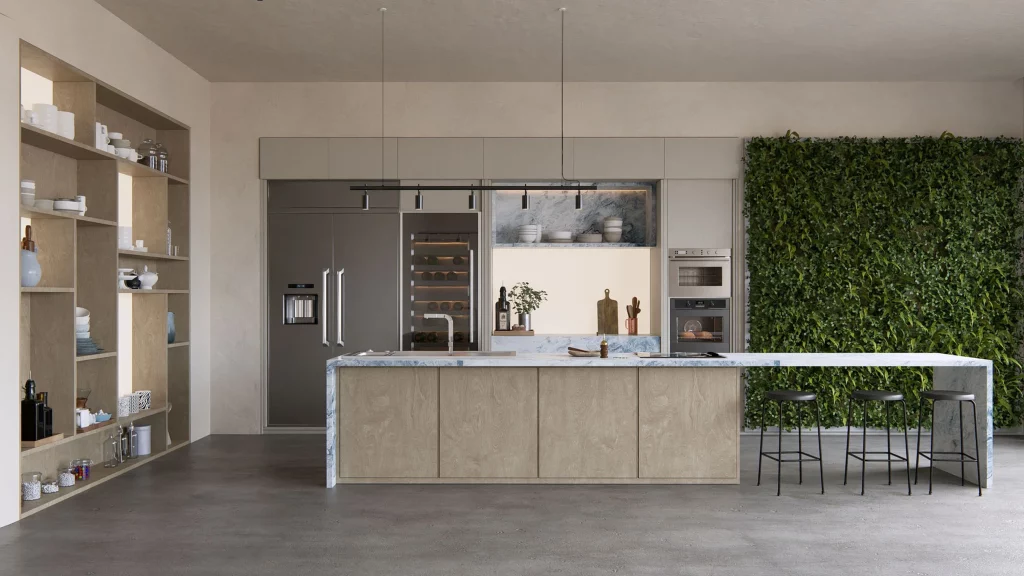
Lavabos modernos

Explora los nuevos fregaderos de acero inoxidable ahora disponibles en la Biblioteca Lumion.

Nuevos objetos y electrodomésticos

Combine fácilmente los nuevos objetos y electrodomésticos para crear elegantes diseños de cocina que se adapten a sus necesidades.

Estantes y menaje de cocina

Los nuevos objetos de cocina vienen en variedad de materiales (vidrio, porcelana, cerámica, madera y metal) brindándote mayores opciones para combinar y contrastar diferentes estilos y estéticas.

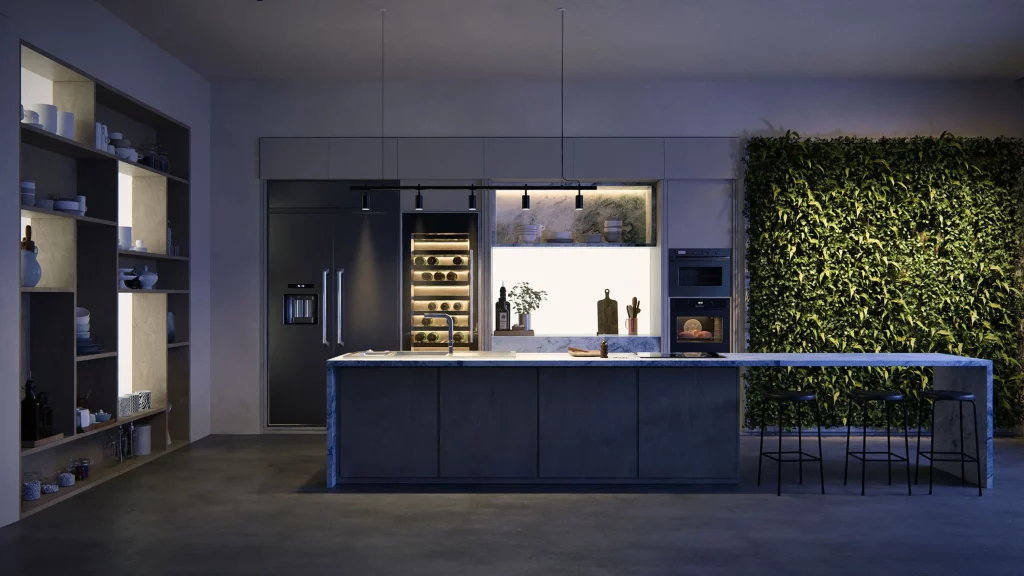
Iluminación Día Noche

Transfiera fácilmente de la luz natural a la artificial para transmitir diferentes estados de ánimo en diferentes momentos del día.

Lumion-Design
Lumion-Design01

Textures and decals

Easily change the texture of any surface, add road markings, or show imperfections with surface decals.

Materiales

Con miles de materiales de alta calidad, podrás encontrar fácilmente la textura adecuada para cada superficie exterior o importar las tuyas propias.

Nature items

Create beautifully accurate landscape designs with Lumion’s wide selection of fine-detail nature, small plants, flowers, weeds, shrubs, and more.

Reflections

Achieve greater realism with lifelike reflections that appear exactly where they would in real life.

Materials and textures

Add a touch of realism to your surfaces with thousands of high-quality materials. Choose the perfect stone, brick, or wood, customize its properties, or import your own textures.

Nature

Breathe life into your design with thousands of nature items, from the smallest shrubs to the tallest trees.rees.

Terrain Context

Shape the landscape surrounding your architectural design by adding fields, mountains, and oceans at the touch of a button.

You can easily import your own custom models to give your terrains a more distinctive look.

High-quality materials

Lumion comes with a wide collection of high-quality materials that make it easy to add texture and realism to your interior surfaces.

Volumetric fire

Cast a feeling of coziness and warmth over your interior renders with easy-to-apply volumetric fire objects.

Furniture and objects

Convey the unique personality and style of each space with thousands of interior furniture, objects, plants, and decorations.

Texturas e adesivos

Altere facilmente a textura de qualquer superfície, adicione placas de sinalização ou mostre imperfeições com adesivos de acabamento.

Materiais

Com milhares de materiais de alta qualidade, você pode encontrar facilmente a textura certa para cada superfície externa ou importar a sua própria.

Itens da natureza

Crie projetos de jardins lindamente precisos com a ampla seleção do Lumion de detalhes minuciosos da natureza, pequenas plantas, flores, ervas daninhas, arbustos e muito mais.

Real Skies

It takes a single click to go from a clear blue morning to a stormy afternoon or an unforgettable sunset.

Whichever mood you want to convey in your architectural renderings, you can pick from any of the 59 HDRI skies available in Lumion and instantly see the result.

Reflexos

Obtenha maior realismo com efeitos de reflexo realistas que aparecem exatamente onde apareceriam na vida real.

Materiais e texturas

Dê um toque de realismo às suas superfícies com milhares de materiais de alta qualidade.

Escolha a pedra, o tijolo ou a madeira perfeita, personalize suas propriedades ou importe suas próprias texturas.

Natureza

Dê vida ao seu projeto com milhares de itens da natureza, desde os menores arbustos até as árvores mais altas. 

Contexto do cenário

Molde a paisagem ao redor do seu projeto arquitetônico adicionando campos, montanhas e oceanos com o toque de um botão.

Você pode importar facilmente seus próprios modelos personalizados para dar aos seus cenários uma aparência distinta.

Materiais de alta qualidade

O Lumion vem com uma ampla coleção de materiais de alta qualidade que facilitam a adição de textura e realismo às superfícies de seus interiores.

Fogo vultuoso

Transmita uma sensação de aconchego e calor em suas renderizações de interiores com objetos de fogo vultuoso fáceis de aplicar.

Móveis e objetos

Transmita a personalidade e o estilo exclusivos de cada espaço com milhares de móveis, objetos, plantas e decorações de interiores.

Materials

With thousands of high-quality materials, you can easily find the right texture for every outdoor surface, or import your own.