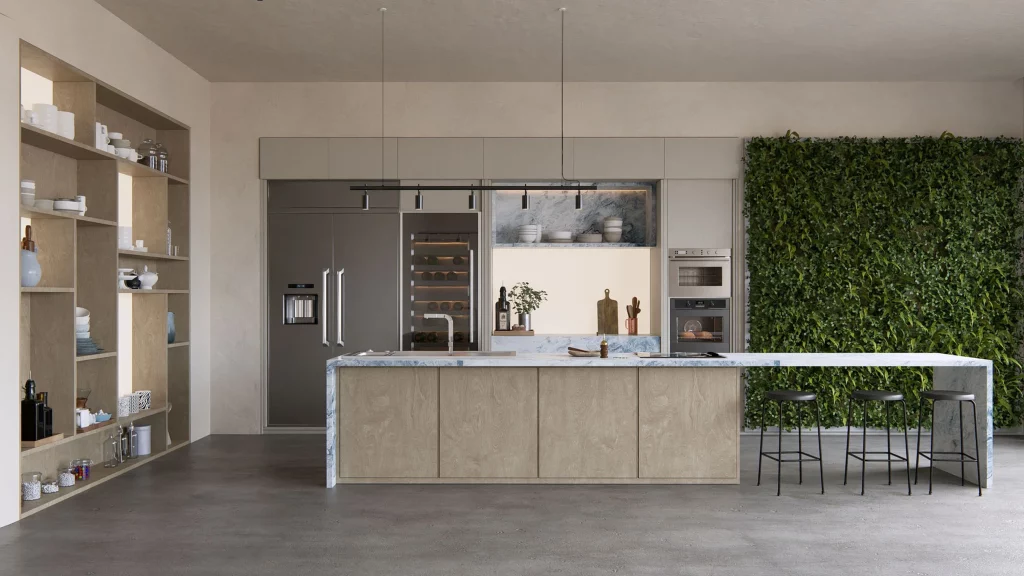
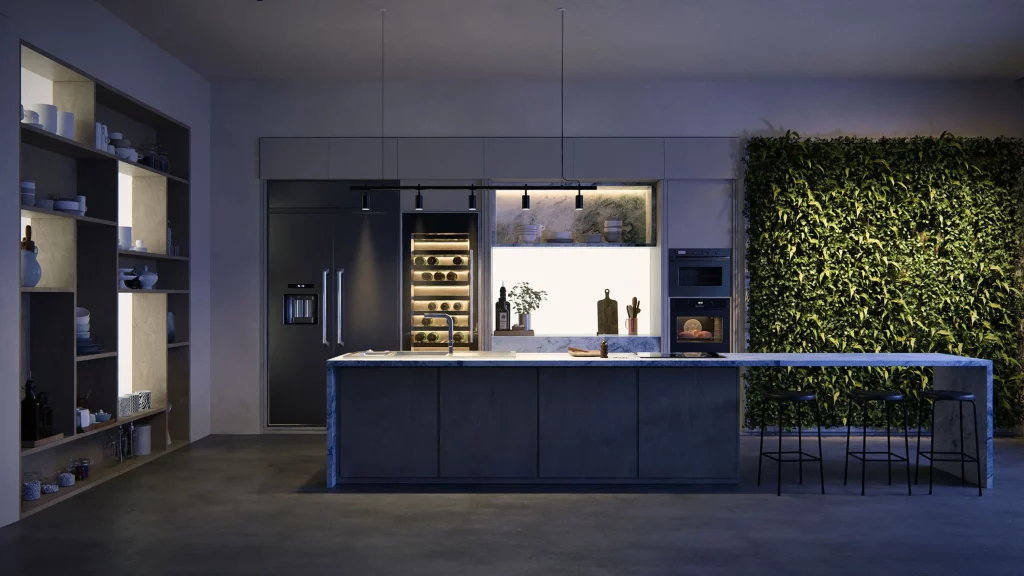
If you work in architecture, interior design, or landscaping, you already know that a good visualization can be the difference between winning or losing a client. Lumion is undoubtedly one of the most powerful tools on the market for creating high-quality renderings quickly. But like any tool, getting the most out of it requires knowing a few secrets.
At Aufiero Informática we share five practical tips to significantly improve the quality of your renders.
1. Make the most of natural light
Light is the element that has the greatest impact on the quality of a render, and Lumion knows it. Before adding artificial lights, correctly configure the sun’s position according to your project’s actual orientation and the time of day you want to represent. The golden hour (just after sunrise or before sunset) creates long, warm shadows that give any scene a cinematic depth.
A very common mistake is always working in the midday sun. Try different times and you’ll see the difference immediately.
2. Use camera effects wisely
Lumion offers a wide range of post-processing effects: depth of field, color correction, vignette, volumetric glow, and many more. The problem is that, when combined haphazardly, the result can look artificial or overdone.
The recommendation is to always start with a few effects and add them one at a time, evaluating the impact of each. Depth of field, when used well, emphasizes the main subject and gives it a very professional look. Fog or haze effects, in just the right amount, add atmosphere without losing detail.
3. Take care of the quality of the materials
A flawless model can look bad if the materials aren’t properly configured. Pay close attention to the reflectivity and roughness values of each surface. Glass, water, concrete, and wood behave very differently in response to light, and Lumion allows you to precisely adjust each one.
Additionally, if your modeling software (ArchiCAD, Revit, SketchUp, etc.) allows you to export materials, take advantage of that integration. Lumion recognizes and translates many of them automatically, saving you setup time.
4. Populate the scene with vegetation and context
One of Lumion’s key differentiators is its object library: trees, plants, people, vehicles, street furniture, and much more. A well-populated scene conveys scale, life, and context—three things that clients greatly value.
There’s no need to exaggerate. A few strategically placed trees, people moving about, and a parked car can completely transform the perception of a project. The trick is for the context to complement the architecture without overshadowing it.
5. Render in high resolution and save your styles
When it’s time to export, don’t skimp on resolution. Rendering in 4K or higher allows you to crop and adjust without losing quality, which is very useful for presentations, social media, or printed materials.
And here’s an efficiency tip: once you find a combination of effects and settings you like, save it as a custom style. Lumion lets you reuse that configuration in future projects, maintaining a consistent visual identity and saving you hours of work.
Do you want to switch to Lumion or upgrade your license?
At Aufiero Informática, we are official Lumion distributors for Latin America. If you have questions about which version best suits your workflow, or if you’d like to learn about the latest software features, please contact us. We’re here to help you better visualize your projects.