When we talk about 3D visualization software, it’s easy to get stuck on the technical specifications: render quality, processing speed, compatibility with other programs. But the question that really matters is: how does this tool impact the daily work of each professional?
Lumion isn’t niche software. It’s a platform that adapts to various design and construction disciplines, finding a way to add real value in each one. At Aufiero Informática, we’ll tell you how three of the professionals who benefit most from it use it.
Architecture: from plan to visual experience
The biggest challenge an architect faces when presenting a project isn’t technical, it’s communicative. Conveying to a client, investor, or evaluation committee how a space that doesn’t yet exist will feel is an enormously complex task.
Lumion solves this problem with photorealistic renders that can be generated in a matter of hours, not days. An architect can take their model from ArchiCAD, Revit, or SketchUp, import it directly into Lumion, and begin working on the lighting, materials, and environment without the need for complex intermediate steps.
The result is images and videos that clearly communicate: the building’s relationship with its surroundings, the behavior of natural light at different times of day, the facade materials, and the human scale. Everything a client needs to see to make a confident decision.
Landscaping: bringing green spaces to life
Landscape design has a unique characteristic that makes it especially difficult to represent on paper: the projects are living entities. A garden, a plaza, or a park changes with the seasons, the time of day, and the passage of time.
Lumion boasts one of the most comprehensive vegetation libraries on the market, with hundreds of species of trees, shrubs, houseplants, and ground covers, all rendered with a high level of detail. Landscape designers can populate their designs with realistic vegetation, adjust for the seasons, simulate wind, and even visualize how the space will look five years later, once the plants have grown.
This ability to showcase the project over time is a huge advantage when presenting proposals to municipalities, real estate developers, or private clients who lack experience reading technical drawings.
Interior design: materials, light and atmosphere
In interior design, details are everything. The client needs to see exactly how the wall covering will look with the chosen flooring, how the light enters through the window at different times of day, and how the furniture looks in the actual context of the space.
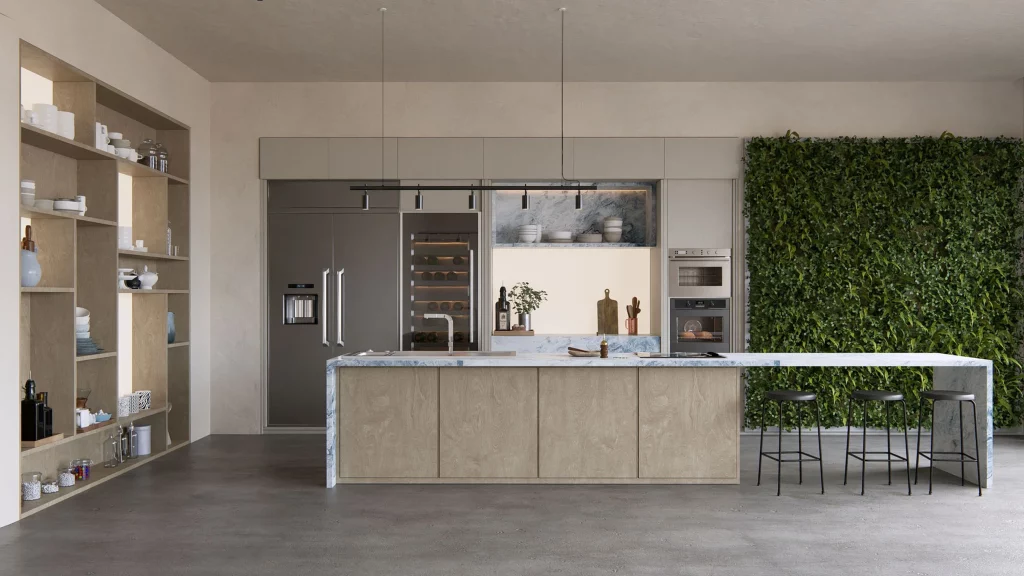
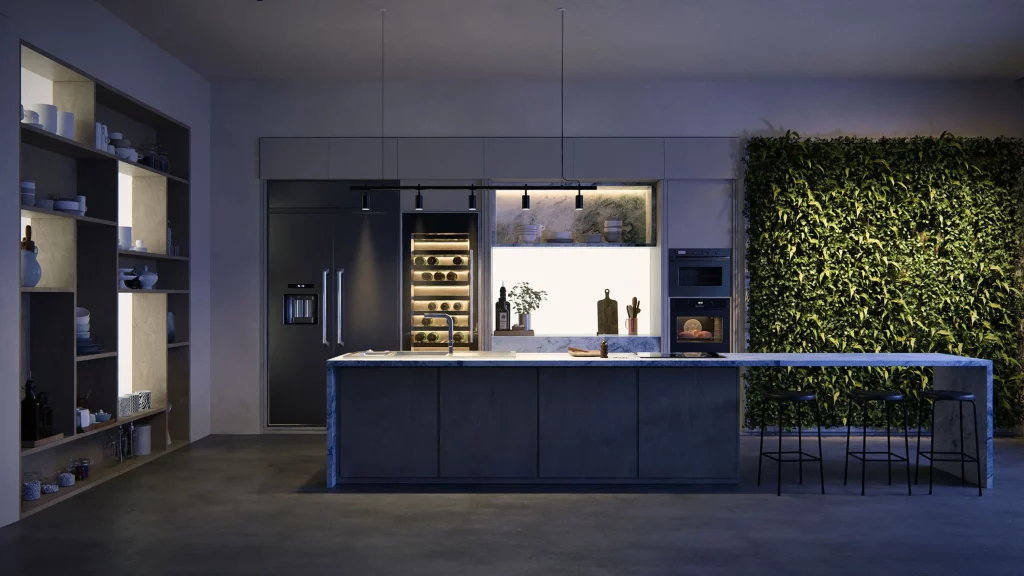
Lumion allows you to work with high-fidelity materials: woods, marbles, textiles, metals, and glass behave realistically under both natural and artificial light. Interior designers can configure different lighting scenarios, add objects from the integrated library, or import specific furniture, and generate renderings of environments that are virtually indistinguishable from photographs.
Furthermore, the possibility of taking animated tours of the interior of the space allows the client to experience the design before it exists, something that no mood board or materials sheet can replace.
One tool, multiple disciplines
What makes Lumion truly valuable is its versatility. Whether your work takes place outdoors or indoors, on an urban or domestic scale, the software adapts to your workflow and allows you to present your ideas with the level of quality they deserve.
At Aufiero Informática, we support professionals throughout Latin America in integrating Lumion into their practices. If you have questions about licensing, compatibility with your modeling software, or would like to see a demonstration, please contact us. We’re here to help.