How to collect feedback on renders without losing context
Powerful visual-first collaboration for architects and their clients Goodbye version chaos Every architect knows the pain. You send a render out for feedback… and get a vague email in return: “Can we shift the lighting a bit like the one you sent before?” But which one? You check your files: Final_v3, LightingTest_FINAL, ClientEdit_New.png… Suddenly, you’re deep […]
8 keyboard shortcuts for fast asset control
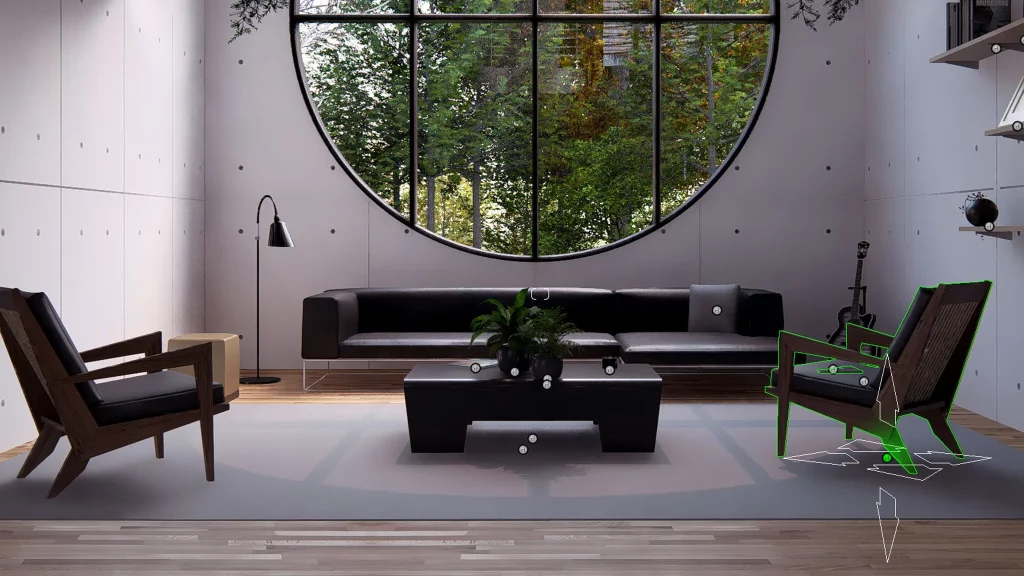
Speed up your workflow with these essential Lumion Pro shortcuts Stay in the zone Keyboard shortcuts help you work faster and smarter, enabling quick iterations and precise asset manipulation—all while keeping you in your creative flow. Once they become second nature, they ensure an uninterrupted, distraction-free workflow, letting you focus on your design without wasting […]
Lumion View for Revit
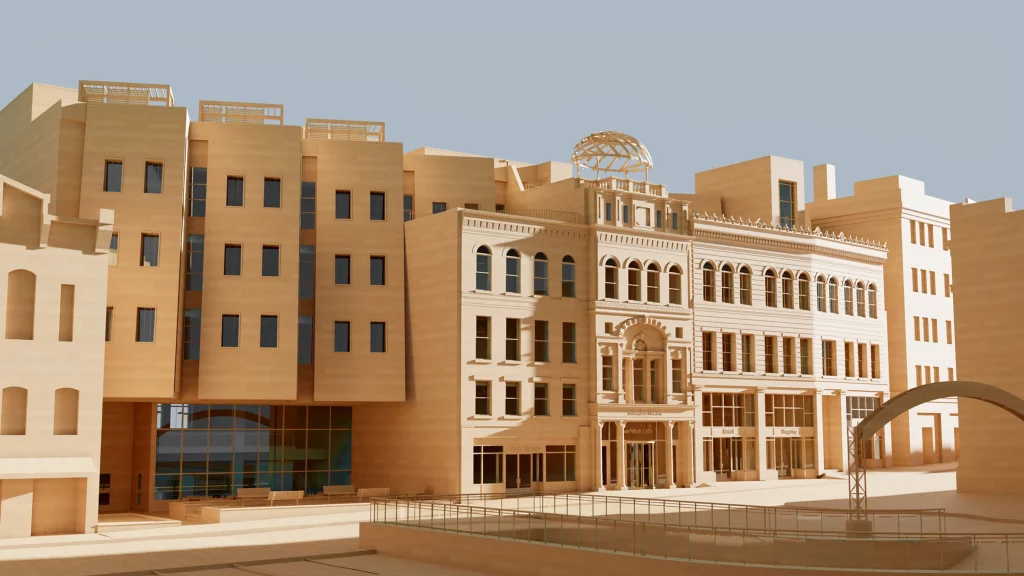
An immersive preview of your model Bring real-time visualization right into Autodesk Revit. The Lumion View plugin provides a realistic, immersive view of your model—all without leaving your BIM environment. With instant visual feedback, ray-traced views, and 4K renders in seconds, it couldn’t be easier to walk your clients through your design process—showing them your thinking at every step of […]
How to improve lighting in your renders with Lumion: a practical guide

Lighting is one of the most important elements for achieving realistic and professional renders. A 3D model can be perfectly detailed, but without proper lighting, it will lose visual impact and fail to convey the desired atmosphere. This is where Lumion becomes an indispensable tool for architects and designers. With its intuitive tools and real-time […]
5 reasons to start collaborating with Lumion Cloud
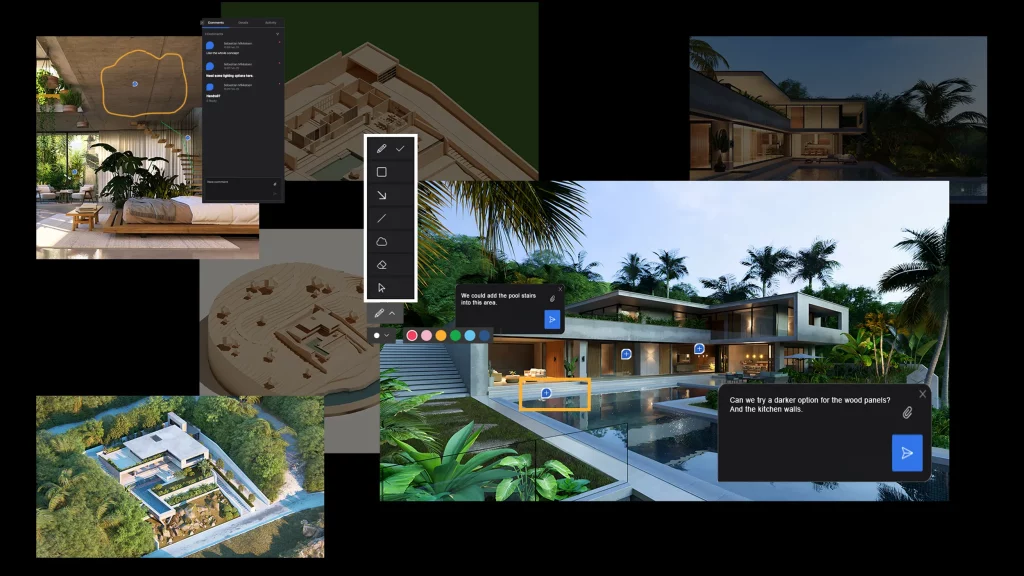
Discover a smarter way to communicate with your clients and your team. You already have the designs. You already have the ideas. But if reviews and client feedback still happen through long email chains, scattered PDFs, and confusing shared folders, then your workflow is slowing you down. Lumion Cloud changes that. It’s a dedicated, visual-first […]
Lumion Cloud: the new way to collaborate on your 3D projects
Lumion Cloud is now available. Upload, share, and review your renders online with instant feedback and team collaboration. Included in all Lumion plans.
How to use Lumion View
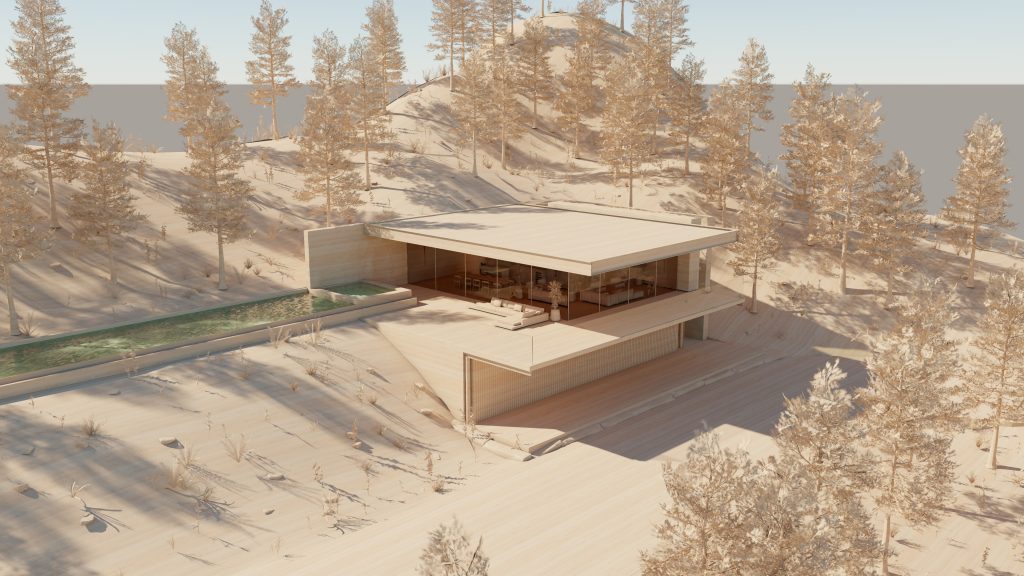
How to work with Lumion View in SketchUp Visualize while modeling in SketchUp with these simple steps Let’s get started Do you have Lumion View installed? Then you’re all set to use it in SketchUp. We’ve put together a quick guide to show you how: watch the video below and keep reading for the steps. […]
Lumion View

Discover Lumion View Explore, refine, visualize—right inside your modeling tool. Now available for SketchUp. Lumion View for SketchUp Your new design companion Lightweight and lightning-fast, Lumion View is the perfect companion for your modeling workflow. Designed to keep up with your creativity, Lumion View lets you explore, refine, and share early-stage ideas effortlessly—without breaking your flow. With instant […]
How to use the photo matcheffect in 3 steps
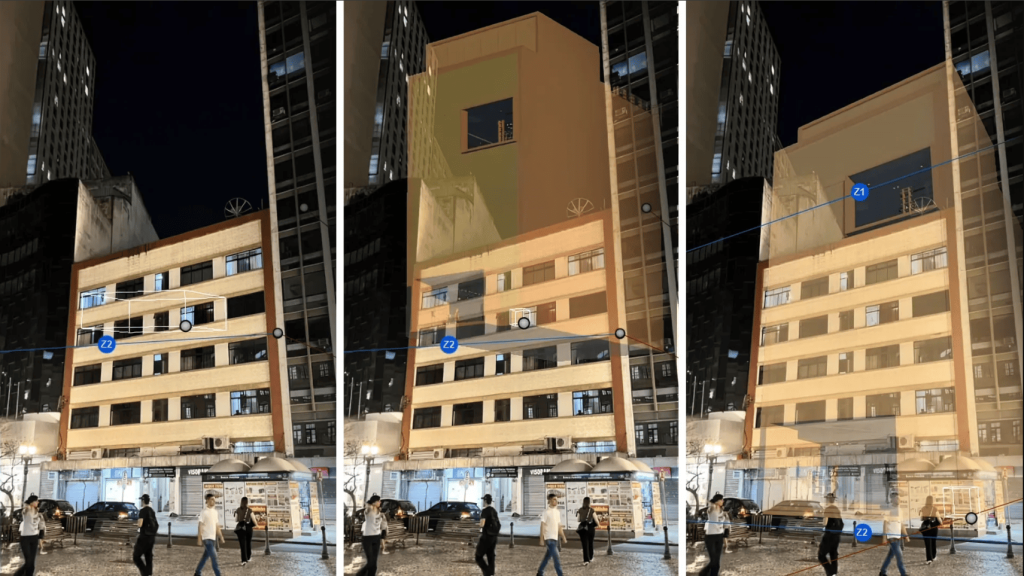
How to use the photo match effect in 3 steps Seamlessly blend your design with real-world environments Photo matching in Lumion Need to show clients exactly how your design will fit into its future surroundings? With the Photo Match effect in Lumion Pro, you can seamlessly place your 3D model into a real-world photo—no need […]
6 easy effects for realisticclose-ups

6 easy effects for realistic close-ups How to create striking close-ups with Lumion’s versatile effects Focus on the finer details Close-ups can create a stronger, more personal connection between a render and its viewer. Take vegetation, for example. By using highly detailed, lifelike imagery—such as leaves, flowers, or other natural elements—you can bring a sense […]